9. Actuations
Actuations are the control unit's actuator tests and service routines — I/O controls that drive a component, routines that run a service procedure, and control-unit resets. STEUER14 runs them one at a time against the real hardware on the car.
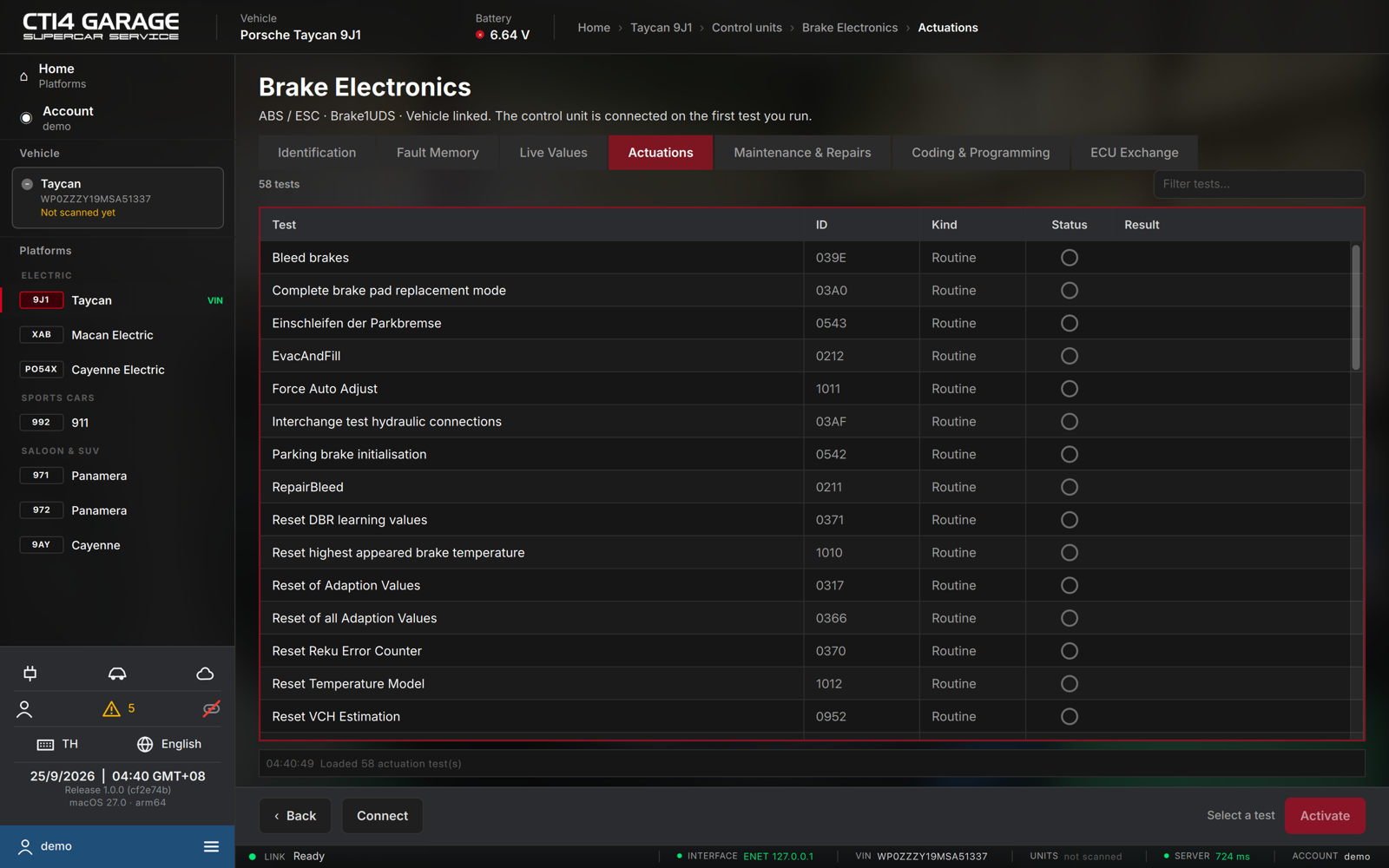
Running a test
- Open a control unit and select the Actuations tab. The list loads automatically. Each row shows the Test name, its ID, its Kind (Routine / I/O control / ECU reset), a Status pictogram and the last Result.
- Use Filter tests… to find a test.
- Select a test. If it takes inputs (an enumerated choice or a number), enter them in the parameter area below the table.
- Press the primary action — its label depends on the kind: Start for a routine, Activate for an I/O control, Reset for a control-unit reset.
- Confirm the dialog. Because the test drives real hardware, it warns you to make sure the area around the component is clear, the vehicle is secured, and you're ready to stop the test. A reset warns that the control unit restarts immediately.
- While a routine runs, stop it with Stop; release an I/O control with Release; fetch a routine's outcome with Result. Stop all halts every running routine.
Notes
- The car must be connected. The control unit is connected on the first test you run, or press Connect first.
- Tests run one at a time; a routine stays active until you stop it.
- Actuator tests are free. Tests that need the control unit's security unlock are marked 🔒: they come with a car licence or the workshop plan (on the high-voltage battery module they are free too).