19. Account
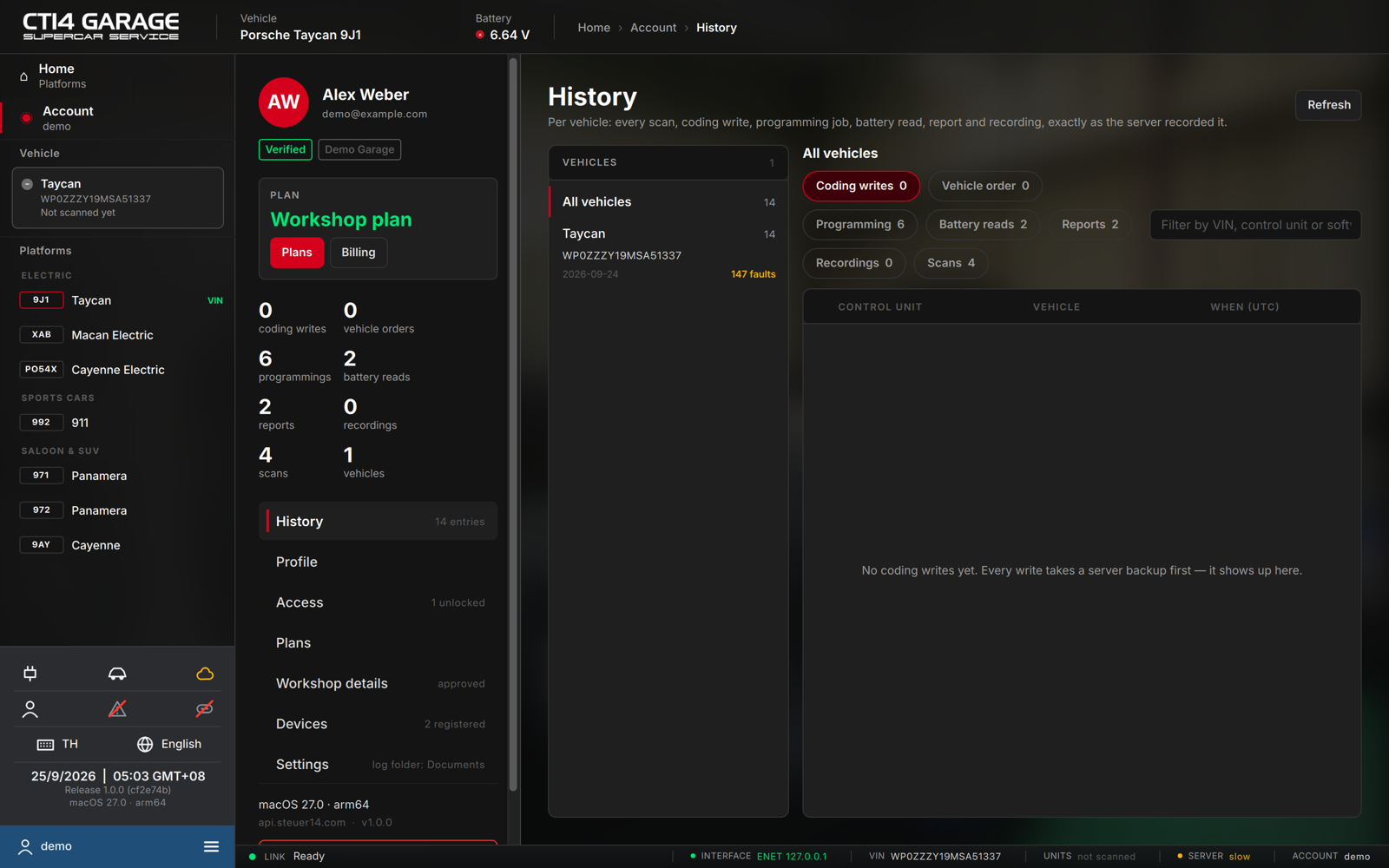
The Account area manages your account: plan, history, profile, access, devices and settings. Open it from Account in the sidebar or from the ≡ menu.
The left rail
- Your name and e-mail, a Verified tag once the e-mail is confirmed, and your workshop name.
- Plan — Free, Car licence or Workshop plan, with Plans (buy or change) and Billing (opens the web panel's billing page).
- Live counts — coding writes, vehicle orders, programmings, battery reads, reports, recordings, scans and vehicles.
- The sections: History, Profile, Access, Plans, Workshop details, Devices, Settings — and Sign out, with the computer and server at the bottom.
History
Everything the app stored on the server, per vehicle: pick a car on the left (or All vehicles), then a tab:
- Coding writes, Vehicle order, Programming, Battery reads, Reports, Recordings (live-value and charging logs) and Scans (every stored fault scan).
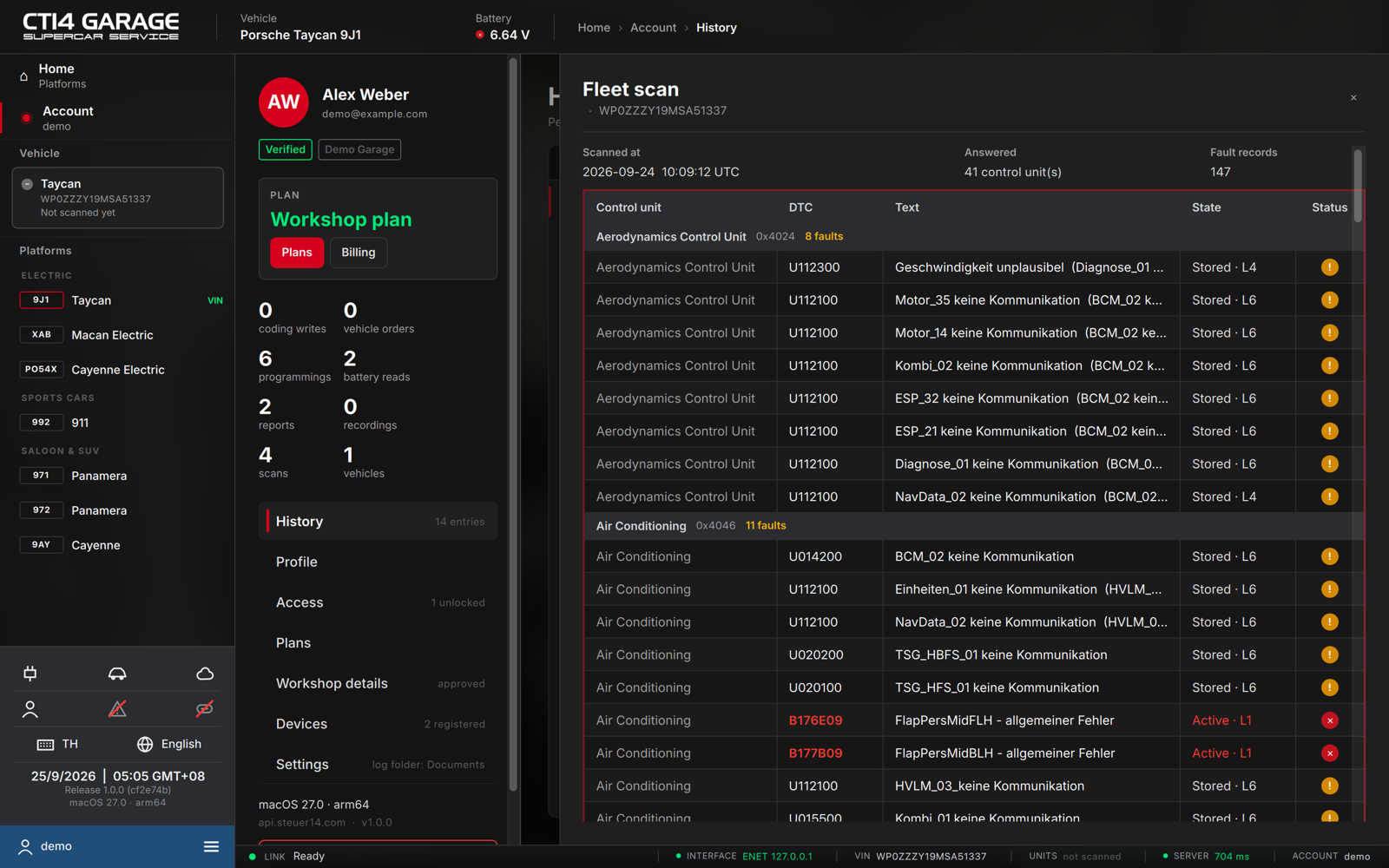
Filter with Filter by VIN, control unit or software…. Press Open on a row to see the full record in a drawer — for coding, the records written and the backup they came from; for programming, the flashware, software and the protocol; for a report, the PDF; for a battery read, the readouts and the module map; for a recording, the CSV to download; for a scan, every fault the car had at that moment:
Profile
Your name, workshop, position, country, phone and birthday — shown on reports and used for support — plus the interface Language. Edit and press Save profile.
Access
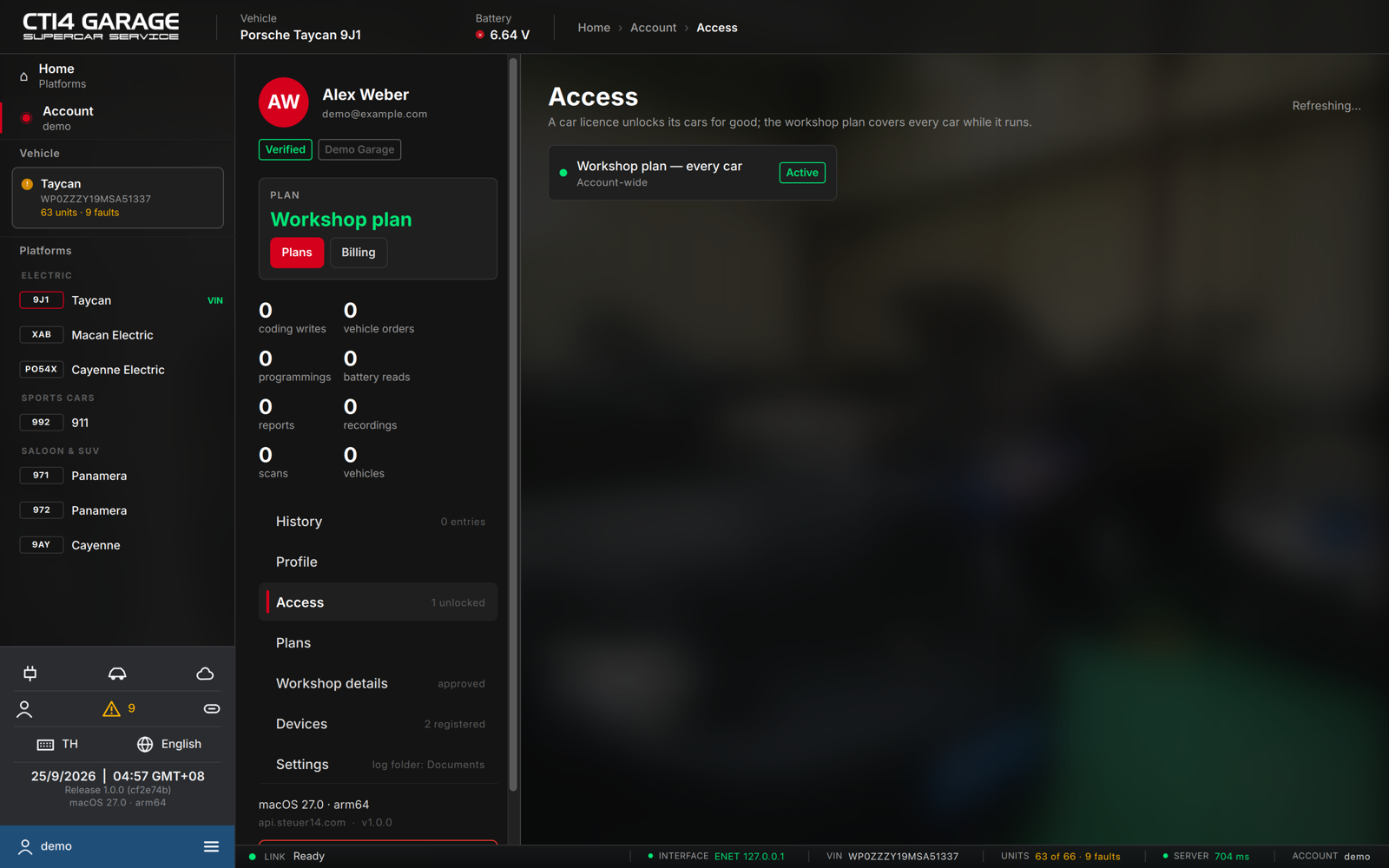
What your account can use: the workshop plan (every car, with its renewal date), car-licence cars and any per-vehicle unlocks bought earlier. A car licence unlocks its cars for good; the workshop plan covers every car while it runs.
Plans
Buy or change your plan: the car licence, the workshop plan (monthly or yearly) and the programming pass — see chapter 2.
Workshop details
For the workshop plan: your business name, legal name, VAT ID, address and contact. The plan switches on once these details have been checked; the section shows pending or approved.
Devices
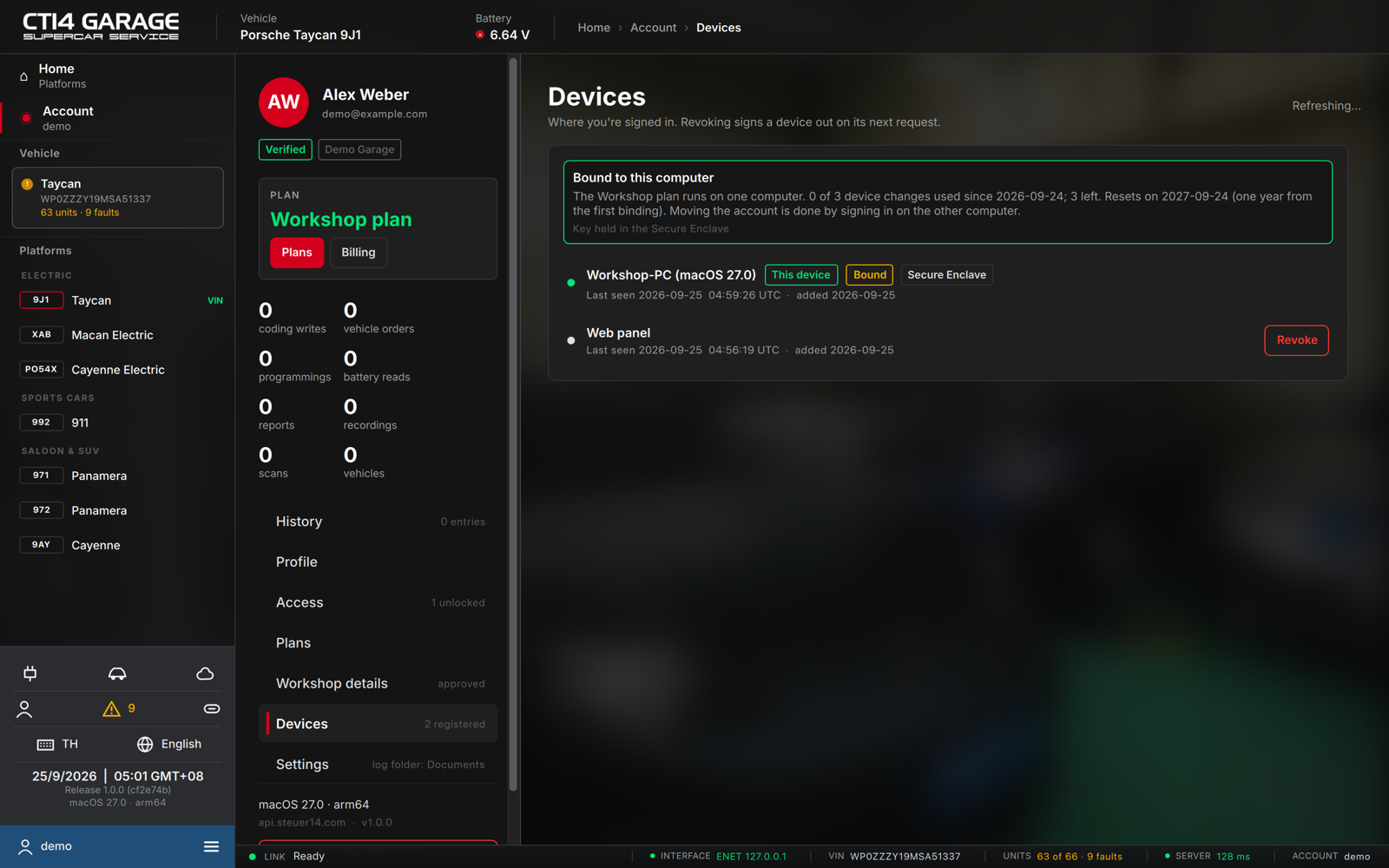
Every computer and browser signed in to your account, with its platform, how its key is protected (Secure Enclave on macOS, TPM on Windows), when it was last seen and when it was added.
- On the workshop plan the account is bound to one computer. The box at the top shows which one and how many device changes are left: three per year, counted from the first binding. Signing in on another computer moves the account there and signs the old one out.
- Revoke signs a device out on its next request; it must sign in again to reconnect.
Settings
- Log folder — where live-value and charging recordings, raw scans, UDS exchange logs and programming protocols are written (Choose…, Open folder). Recordings are also kept on the server under History → Recordings.
- Updates — the installed version and Check now. Updates are downloaded from steuer14.com, verified and installed in place; the app restarts into the new version.
Language
Switch the interface language here (Profile), or with the language control at the bottom of the sidebar. Control units, fault codes, PR numbers and coding names arrive translated from the server; in Chinese, fault texts show the translation first with the original in brackets.