Taycan 12 V battery problems: symptoms, fault codes and what to do
An electric car still depends on a small 12 V battery. When it gets weak, a Taycan can refuse to wake up, fill the dash with warnings and store faults in many control units at once. Here is how to recognise it, how to read the faults for free with STEUER14, and why a charger belongs on the car during diagnostic work.
Why the 12 V battery matters in a Taycan
The high-voltage pack drives the car, but the control units, the locks, the lights, the displays and the switching that connects the high-voltage battery all run on the 12 V network. When the car is switched on, a DC-DC converter supplies that network from the high-voltage pack. When it sleeps, the 12 V battery carries the standby load on its own.
A long diagnostic session is hard on it too: coding and programming keep the control units awake for a long time, and the 12 V battery drains fast. If its voltage sags, control units can misbehave, drop off the network or refuse a job.
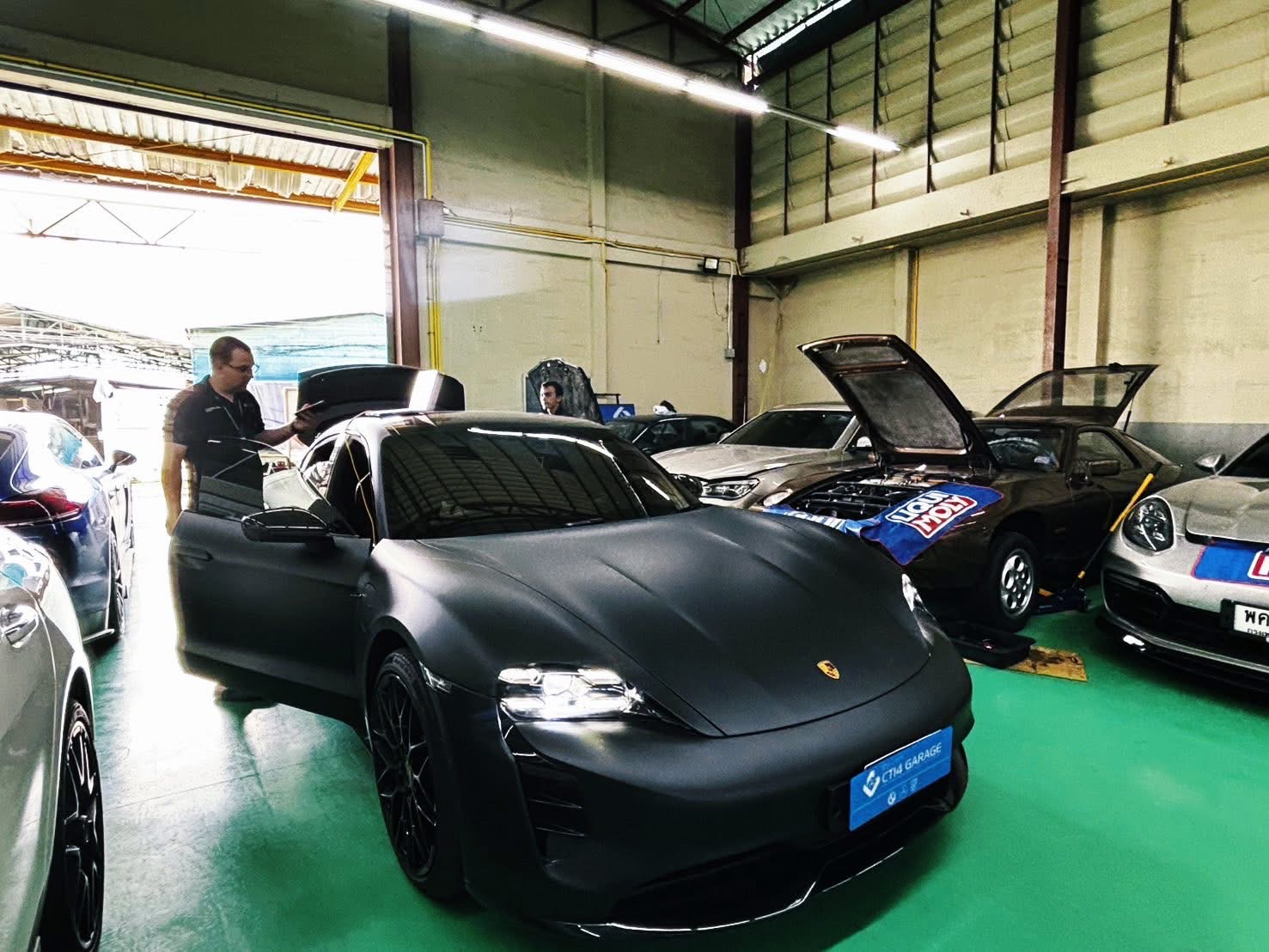
Typical signs of a weak 12 V battery
- The car doesn't wake, unlock or switch to ready, or needs several attempts.
- Displays stay dark, flicker or restart.
- A burst of warning messages at the same time, with nothing obvious in common.
- Faults stored in many control units at once, often about low voltage or lost communication, with similar time and mileage.
- Problems that appear after the car has stood for a long time, or after a long session with the ignition on.
None of these proves a bad battery on its own: a wiring fault or a failing control unit can look the same. That is why you check the voltage and read the fault memory before replacing parts.
Check it with STEUER14
- 01Connect and read the voltagePlug in the ENET cable and switch the ignition on. The top bar of STEUER14 shows the 12 V supply as the car's gateway reports it, refreshed about every 30 seconds while the link is idle: green from 12.6 V, amber from 11.5 to 12.6 V, red below 11.5 V.
- 02Scan the whole carRun Connect & poll. Reading the fault memory of every control unit is free.
- 03Look at the patternMany units reporting voltage or communication faults with similar time stamps point to a supply problem rather than many separate defects. Click a fault for its details and freeze frame.
- 04Charge, clear, rescanCharge the 12 V battery, clear the fault memory (also free), use the car and scan again. Faults that were not in the previous scan of the car are marked New, so anything that returns stands out.
- 05Chase what comes backA fault that returns with a healthy supply is a real fault. Start guided fault finding for a test plan (full plans with a car licence) or read how other users fixed it.
Confirm the battery itself with a proper battery tester or a multimeter at the terminals. The app shows what the gateway measures: a good first check, not a battery test.
Why voltage matters when you write to the car
If the voltage sags in the middle of a write, a control unit can be left without working software. STEUER14 guards against it:
- Before coding, automatic coding and programming, it asks you to connect a stabilised charger of at least 90 A, set to power-supply mode, on the car's 12 V jump-start points — a trickle charger is not enough — and to leave it on until the app says the job is done.
- Programming checks the supply voltage before any memory is written. It needs at least 11.5 V and recommends 13.0 V or more with a charger; below 11.5 V it does not start.
- The high-voltage charging cable is no substitute: control units refuse programming while the high-voltage battery is charging, so unplug it.
- Once programming has started it is never stopped halfway, and the app cannot be closed until it finishes.
More in the manual: Automatic coding & programming.
Keep the 12 V side healthy while you work
Charger on for long sessions
Consumers off
End the session
After a new battery
A car that won't wake
Keep a record
Taycan 12 V battery: questions, answered
Can a weak 12 V battery cause lots of fault codes on a Taycan?
It can. When the supply sags, control units may log voltage and communication faults. Charge the battery, clear the fault memory and scan again; faults that come back need a proper diagnosis.
Is reading the fault codes free?
Yes. Reading and clearing fault memory on every control unit is free, with descriptions and freeze frames. See Taycan diagnostics for everything else STEUER14 does.
What voltage does STEUER14 need to program a control unit?
At least 11.5 V, and 13.0 V or more is recommended with a stabilised charger of at least 90 A connected to the 12 V jump-start points.
Can I plug in the charging cable instead of a 12 V charger?
No. STEUER14 asks for a 12 V charger on the jump-start points, and control units refuse programming while the high-voltage battery is charging.
Read your Taycan's faults for free.
Download STEUER14, plug in an ENET cable and see the 12 V supply and the fault memory of every control unit.